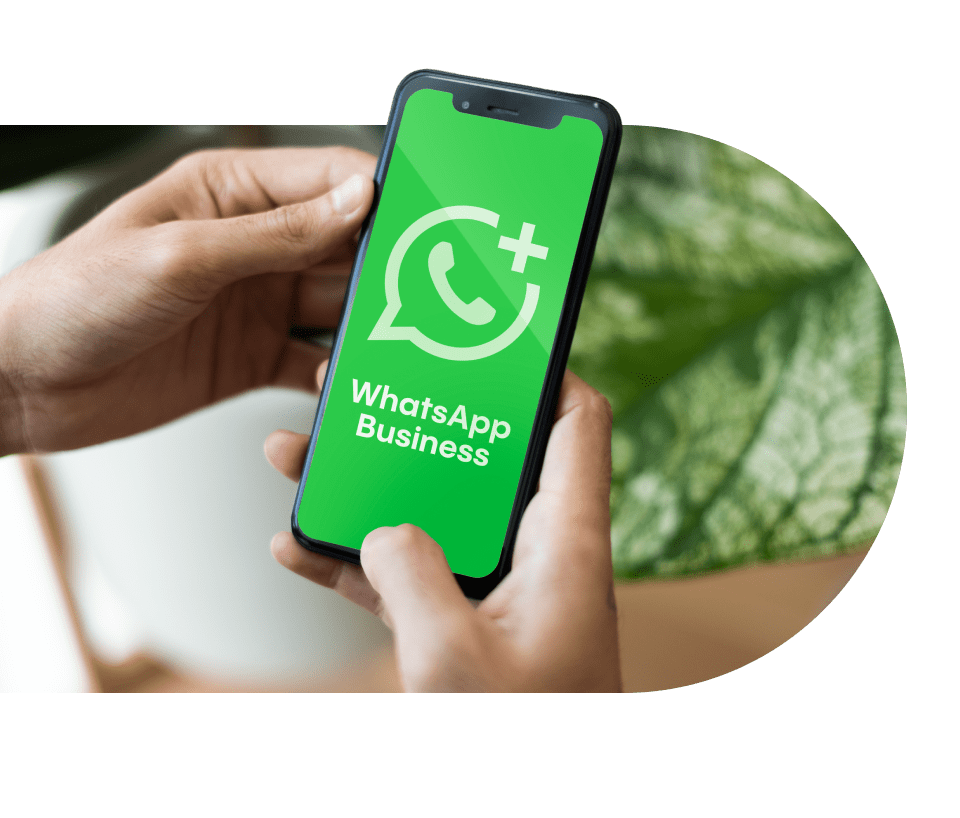
WhatsApp Business met je zakelijke Rinkel-nummer

Zakelijk WhatsApp gebruiken? Koppel je vaste nummer van Rinkel gratis aan WhatsApp Business. Professioneel, betrouwbaar en gescheiden van je privé WhatsApp. Perfect voor ondernemers die klanten persoonlijk én efficiënt willen helpen.

  • Koppel zakelijk WhatsApp aan je vaste nummer van Rinkel
  • Professionele uitstraling met snelle klantenservice
  • Veilig en eenvoudig beheer via de app of browser

WhatsApp Business with your Rinkel landline

Want to use WhatsApp for business? Link your Rinkel landline number to WhatsApp Business for free. Professional, reliable, and separate from your private WhatsApp. Perfect for entrepreneurs who want to help customers personally and efficiently.

  • Link WhatsApp Business to your Rinkel landline number
  • Professional appearance with fast customer service
  • Secure and easy management via the app or browser

What is WhatsApp Business?

WhatsApp Business is the business version of WhatsApp, specially developed for companies that want to maintain personal contact with customers while keeping work and private conversations separate.

In the Netherlands, more than 12.5 million people already use WhatsApp, making it one of the most direct and popular ways to communicate with customers. With WhatsApp Business, you reach your target audience where they’re already active: quickly, reliably, and accessibly.

WhatsApp Business is also available on desktop via WhatsApp Business Web.

How do I set up WhatsApp Business?

Setting up WhatsApp Business with your Rinkel number is very simple. With your business number, you are ready within minutes to communicate professionally with customers.

  • 1 Make sure you have a business number from Rinkel
  • 2 Download the WhatsApp Business app
  • 3 Enter your Rinkel business number
  • 4 Choose a voice call to receive the verification code
  • 5 Enter the code and you are ready to use it
Need help?
Need help?

Benefits of WhatsApp Business for your company

WhatsApp Business makes customer communication faster, more personal, and easier than ever. You can reply to messages instantly or send automated responses. It allows customers to contact your business through a channel they already use daily.

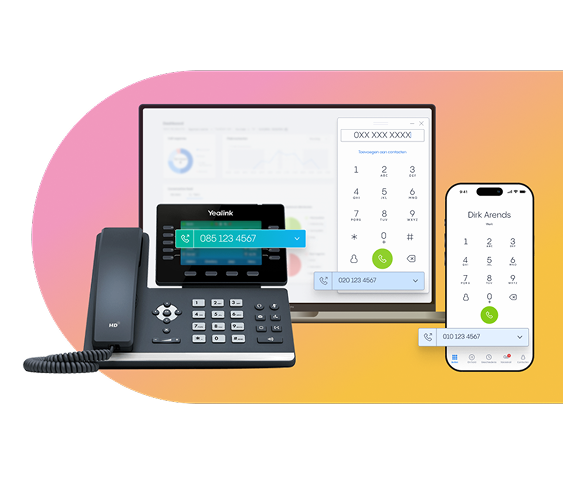
With Rinkel, you use WhatsApp Business via your landline number. This way, you stay organised, keep work and personal separate, and remain professionally reachable at all times.

  • Professional contact through a channel customers trust
  • Free to download & use
  • Use WhatsApp on your laptop or desktop too

How does business WhatsApp work with Rinkel?

With Rinkel, you use WhatsApp Business on your Rinkel landline number. This lets you communicate professionally with customers, without sharing your personal number.

Business WhatsApp via Rinkel gives you all the features you need — from automated messages and labels to quick replies and customer info. Stay organised and professional in your communication, wherever you work.

Want multiple colleagues to view or reply to messages? No problem. WhatsApp Business makes it easy to connect the app to multiple devices.

Costs of WhatsApp Business

WhatsApp Business is always free with any of our plans and can be downloaded for free from the Google Play Store or App Store.
With Rinkel you get 50% discount in your first month and 10% extra discount when you choose an annual plan!
Not happy within 30 days? Then you’ll simply get your money back!

Essential First month
50% off
now 5,⁰⁰ 4,⁵⁰
user / month
normally 10,⁰⁰ 9,⁰⁰
get started
  • Calls: € 0.06 p/min.
  • A business number
  • Call forwarding
  • Webphone
  • WhatsApp Business
  • Status
  • Business voicemail
  • International calls
Professional First month
50% off
now 10,⁰⁰ 9,⁰⁰
user / month
normally 20,⁰⁰ 18,⁰⁰
get started
All Essential features
  • Unlimited calls *
  • A business number
  • Call forwarding
  • Webphone
  • WhatsApp Business
  • Status
  • Business voicemail
  • International calls
  • Custom greeting
  • Business hours
  • Call waiting
  • Transferring
  • Software integrations
Popular
Expert First month
50% off
now 12,⁵⁰ 11,⁰⁰
user / month
normally 25,⁰⁰ 22,⁰⁰
get started
All Professional features
  • Unlimited calls *
  • A business number
  • cCll forwarding
  • Webphone
  • WhatsApp Business
  • Status
  • Business voicemail
  • International calls
  • Custom greeting
  • Business hours
  • Call waiting
  • Transferring
  • Software integrations
  • User schedule
  • Queue + hold music
  • Call menu
  • Call recording
custom tailor-made plan
request quote
for businesses of 6 users or more

a scalable phone solutions for teams, scale-ups & larger companies.

*Subject to our Fair Use Policy

An active business number from Rinkel within 3 minutes

At Rinkel, you're reachable within 2 minutes. Simple, fast and hassle-free.
Try it yourself! If you're not happy within 30 days, you’ll get your money back.

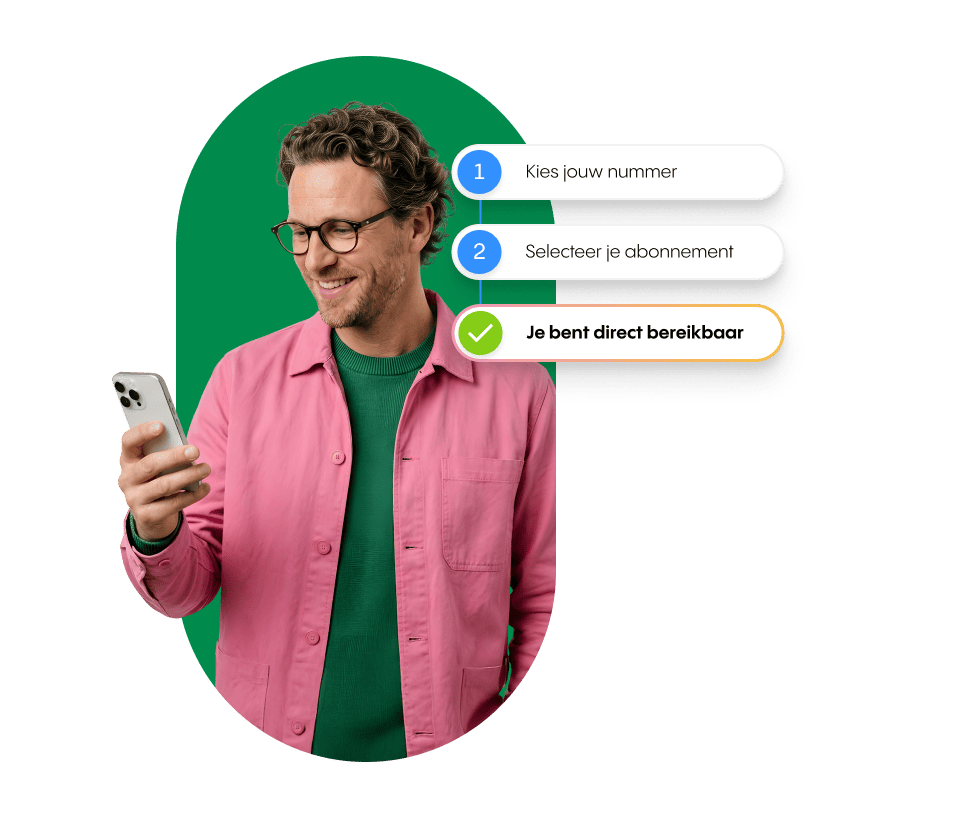
  • 1 Choose your ideal business number
  • 2 Select your plan
  • 3 You’re reachable straight away

15,000+ satisfied entrepreneurs – this is why

Read why others choose Rinkel


Frequently asked questions about WhatsApp Business

What is WhatsApp Business?

WhatsApp Business is the business version of WhatsApp. It allows you to communicate professionally with customers using a business number. With handy features like automated messages, labels and quick replies, it's ideal for entrepreneurs who want to support customers personally.


How much does WhatsApp Business cost with Rinkel?

At Rinkel, WhatsApp Business is included for free with every business plan. So you pay no extra costs for WhatsApp. Plans start at €10 per month (Essential), up to €22 per month for Expert. You always get 50% off your first month.


Can I use WhatsApp Business with my landline number?

Yes. At Rinkel, you can link WhatsApp Business to your landline number. It works with regional numbers and 085 numbers, but not with 088 numbers. This way, you use one professional number for both calling and WhatsApp, without sharing your personal number.


Can multiple users use WhatsApp Business at the same time?

Yes. WhatsApp Business supports linking your account to multiple devices. This means your team can respond to messages quickly — and customers won’t notice a difference.


Does WhatsApp Business work abroad?

Yes. As long as you have an internet connection, you can use WhatsApp Business from anywhere. Your customers will still see your landline or business number.


How do I connect WhatsApp Business to my Rinkel number?

Connecting takes three steps: download the WhatsApp Business app, enter your Rinkel number (without the first 0) and choose the voice call option during verification, since a Rinkel number doesn't receive SMS. Before requesting the voice call, switch off your custom greeting, call menu and call recording. Check the step-by-step setup guide for the full walkthrough.


What's the difference between WhatsApp and WhatsApp Business?

The difference lies in the features and the purpose. WhatsApp is for personal use between friends and family; WhatsApp Business is for companies that want to communicate professionally with customers. WhatsApp Business has a business profile with opening hours and website, automated welcome and away messages, labels to organise conversations, quick replies for frequently asked questions, and a product catalogue to share what you sell. Both apps are free and you can install and use them side by side on one phone.


Is WhatsApp Business safe for business use?

Yes, WhatsApp Business is safe for business use. All messages are end-to-end encrypted: no one except you and the person you're chatting with can read them, not even WhatsApp itself. The app complies with European GDPR requirements and is used by millions of businesses worldwide for customer communication. Important to know: WhatsApp Business is intended for one-to-one customer conversations, not for unsolicited marketing messages. Stick to the rules.


Need help setting up WhatsApp Business?

WhatsApp Business works with your 085-number and all regional numbers (like 010, 020 of 030). But it doesn't work with a 088-number. That is a limitation of WhatsApp Business itself: it doesn't support 088-numbers for verification. Want to use WhatsApp Business? Get a 085-number or local number at Rinkel and connect it to WhatsApp Business.

A Rinkel number can't receive SMS, so text verification won't work. Use the voice call option instead: WhatsApp will ring you and read out the code.

Here's how:

  1. Enter your Rinkel number in WhatsApp Business (without the leading 0)
  2. Ignore the error message and tap 'Didn't get a code' on the SMS screen
  3. Make sure your Rinkel settings are correct, then choose 'Call me'
  4. Answer the call and type in the code.

Have a pen and paper handy so you can jot it down straight away.

Turn off all greetings before you tap 'Call me'. Check your greeting message, call menu and call recording. If any of these are active, the bot will read out the code before you can pick up — and you'll miss it.

Also check that your call forwarding is set up correctly. Is your mobile number first in the forwarding list? Your business hours and user schedule also need to be set to open at the time you're verifying. Otherwise your Rinkel number won't be reachable when WhatsApp calls.

This message comes from WhatsApp and means their system has temporarily blocked verification for your number. It usually happens after several failed attempts in a row.

What you can do:

  • Wait 24 hours before trying to verify again
  • In the meantime, double-check your Rinkel settings (custom greeting off, etc.)
  • Try at a different time — outside office hours often works better
  • Still not working after 48 hours? Get in touch with the Rinkel support team — we'll check whether anything on our end is causing the issue

The problem is almost always on WhatsApp's side. Rinkel can't fix it directly, but we can help you figure out the right next step.

Yes. WhatsApp Business stays connected to your number after porting — you don't need to reconfigure anything. The link is between WhatsApp and your number, not between WhatsApp and your provider.

One exception: if you choose a completely new number instead of porting your existing one, you'll need to verify WhatsApp Business again with that new number. The process is the same as the first time.

Yes. You can connect WhatsApp Business to up to five devices — phones or computers — so colleagues can read and reply to messages too. The first device you install WAB on stays the admin device.

To link a new device:

  1. Open WhatsApp Business on the admin device
  2. Go to Settings > Linked devices
  3. Tap Link a device
  4. Scan the QR code on the new device

The admin phone doesn't need to be on all the time, but if you don't use it for 14 days, all linked devices will be disconnected automatically.

No. Your Rinkel business number (085 or regional) works fine — and for business use it's often a better choice, since it keeps work and personal separate and looks more professional.

A lot of business owners assume WhatsApp Business only works with a mobile number. It doesn't. WhatsApp accepts virtual business numbers too; you just verify via the voice call option instead of SMS.

WhatsApp usually blocks a Business account when you break their rules — often without realising it. The main one: don't send unsolicited messages to people who haven't messaged you first. That includes existing customers who left their number somewhere without giving you explicit opt-in consent.

What you can do:

  • Reply to customers who message you first
  • Ask for opt-in via your website, checkout process or at the start of a conversation — only then can you message proactively
  • Use automated welcome and away messages
  • Use your product catalogue, labels and quick replies
  • Make it easy for people to opt out (for example: "Reply STOP to unsubscribe")

What to avoid — this is how accounts get blocked:

  • ❌ Cold outreach or bulk messages to numbers that haven't messaged you
  • ❌ Marketing or promotional messages without opt-in (required under UK/EU law)
  • ❌ Buying or renting contact lists and messaging them en masse
  • ❌ Using unofficial WhatsApp versions like WhatsApp Plus or GB WhatsApp
  • ❌ Offering products or services that violate the WhatsApp Commerce Policy
  • ❌ Using the same number that was previously registered with the WAB API or bulk-messaging software

WhatsApp usually gives you a warning in the app before blocking. Don't ignore it — it's your last chance to change course.

Already blocked? Request a review through the WhatsApp app itself (Help > Contact us) or via faq.whatsapp.com. Rinkel can't lift an account ban — that's WhatsApp's call. But your number stays active with Rinkel, so once it's resolved, everything works just as before.

Wat is WhatsApp Business?

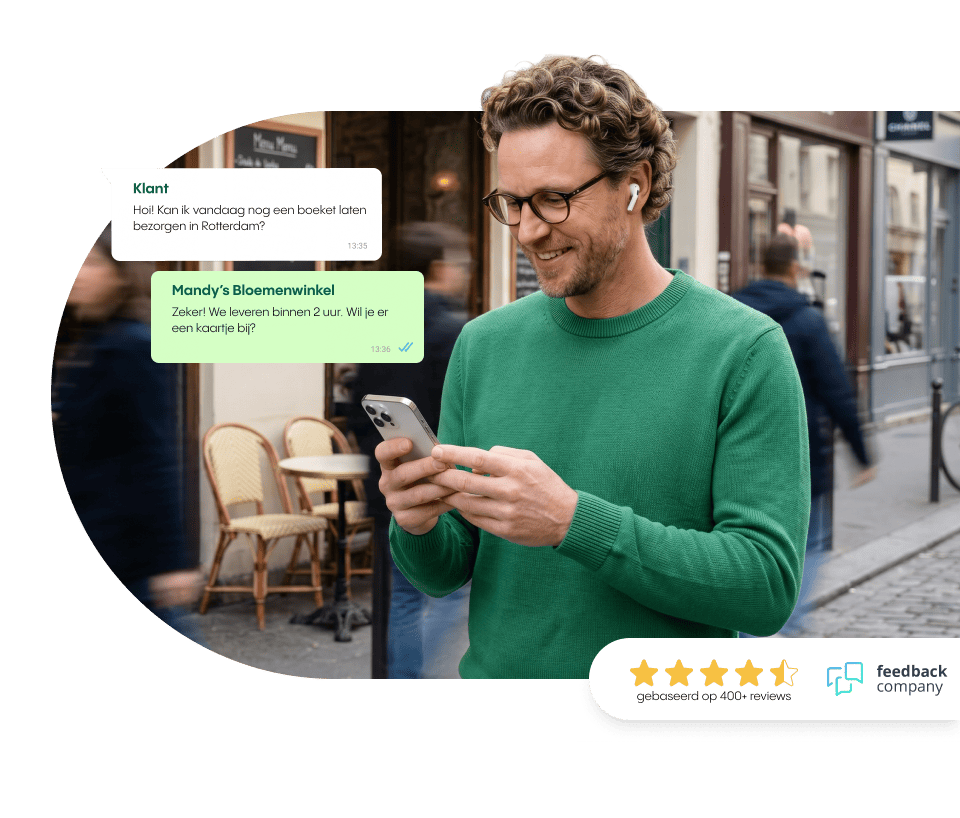
WhatsApp Business is de zakelijke versie van WhatsApp, speciaal ontwikkeld voor bedrijven die persoonlijk contact met klanten willen houden, terwijl werk en privé gesprekken gescheiden blijven.

In Nederland gebruiken inmiddels meer dan 12,5 miljoen mensen WhatsApp, waardoor het een van de meest directe en populaire manieren is om met klanten te communiceren. Met WhatsApp Business bereik je je doelgroep daar waar ze al actief zijn.

WhatsApp Business is ook te gebruiken op je desktop via WhatsApp Business Web.

Hoe stel ik WhatsApp Business in?

Met je zakelijke nummer ben je binnen een paar minuten klaar om professioneel met klanten te communiceren.

  • 1 Vraag een zakelijk nummer van Rinkel aan
  • 2 Download de WhatsApp Business app
  • 3 Vul je zakelijke nummer van Rinkel in
  • 4 Kies voor een spraakoproep waarin je de code ontvangt
  • 5 Vul de code in en je bent direct klaar om het te gebruiken
Hulp nodig?
Hulp nodig?

Voordelen van WhatsApp Business voor jouw bedrijf

WhatsApp Business maakt klantcontact sneller, persoonlijker en makkelijker dan ooit. Je beantwoordt berichten direct, of stuurt automatisch berichten. Je laat klanten eenvoudig contact opnemen met jouw bedrijf, via een kanaal dat ze al dagelijks gebruiken.

Met Rinkel gebruik je WhatsApp Business via je vaste nummer. Zo houd je overzicht, werk en privé gescheiden en ben je altijd professioneel bereikbaar.

  • Professioneel contact via een kanaal dat klanten vertrouwen
  • Gratis te downloaden & te gebruiken
  • WhatsApp ook via je laptop of computer

Hoe werkt zakelijk WhatsApp met Rinkel?

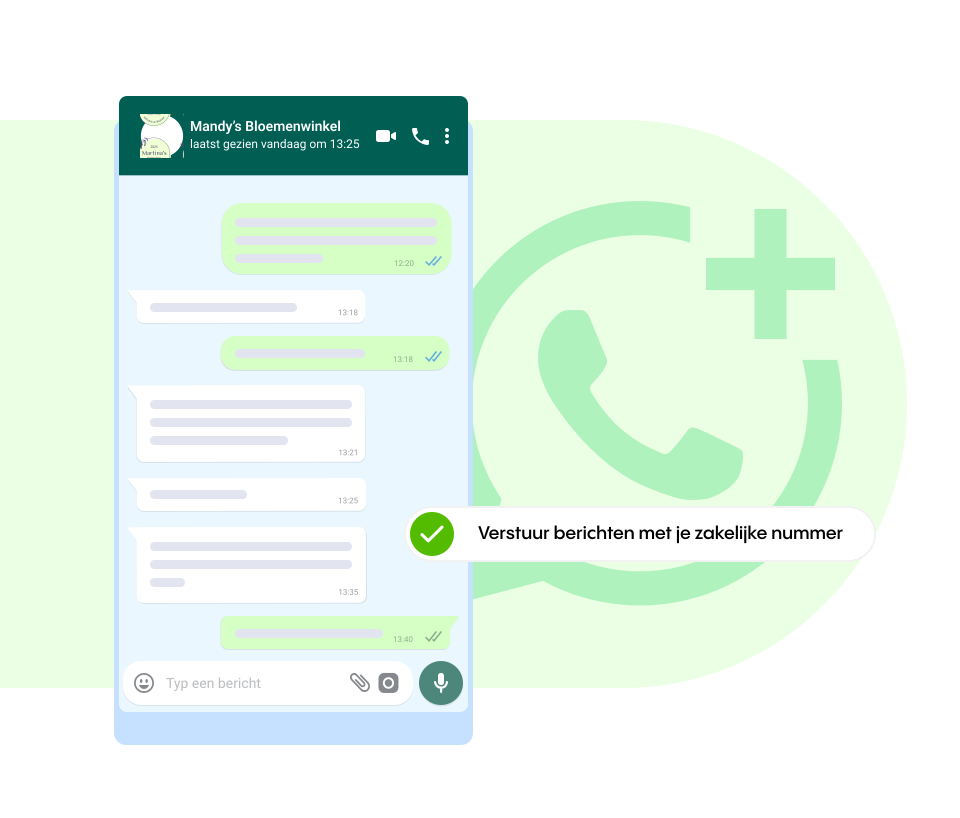
Met Rinkel gebruik je WhatsApp Business op je vaste nummer van Rinkel. Zo communiceer je professioneel met klanten, zonder je persoonlijke nummer te delen.

Zakelijk WhatsApp via Rinkel geeft je alle mogelijkheden die je nodig hebt: van automatische berichten en labels tot snelle antwoorden en klantinformatie. Zo blijf je altijd overzichtelijk en professioneel in contact, waar je ook werkt.

Wil je meerdere collega’s laten meelezen of berichten laten beantwoorden? Geen probleem. WhatsApp Business maakt het makkelijk om de app te koppelen aan meerdere apparaten.

WhatsApp Business kosten

WhatsApp Business is altijd gratis bij een van onze abonnementen en is gratis te downloaden vanuit de Google Play of App Store.
Bij Rinkel krijg je altijd 50% korting op je eerste maand én 10% extra korting als je kiest voor een jaarabonnement!
Ben je binnen 30 dagen niet tevreden? Dan krijg je gewoon je geld terug!

Essential First month
50% off
now 5,⁰⁰ 4,⁵⁰
user / month
normally 10,⁰⁰ 9,⁰⁰
Start direct
  • Calls: € 0.06 p/min.
  • A business number
  • Call forwarding
  • Webphone
  • WhatsApp Business
  • Status
  • Business voicemail
  • International calls
Professional First month
50% off
now 10,⁰⁰ 9,⁰⁰
user / month
normally 20,⁰⁰ 18,⁰⁰
Start direct
All Essential features
  • Unlimited calls *
  • A business number
  • Call forwarding
  • Webphone
  • WhatsApp Business
  • Status
  • Business voicemail
  • International calls
  • Custom greeting
  • Business hours
  • Call waiting
  • Transferring
  • Software integrations
Popular
Expert First month
50% off
now 12,⁵⁰ 11,⁰⁰
user / month
normally 25,⁰⁰ 22,⁰⁰
Start direct
All Professional features
  • Unlimited calls *
  • A business number
  • cCll forwarding
  • Webphone
  • WhatsApp Business
  • Status
  • Business voicemail
  • International calls
  • Custom greeting
  • Business hours
  • Call waiting
  • Transferring
  • Software integrations
  • User schedule
  • Queue + hold music
  • Call menu
  • Call recording
*Subject to our Fair Use Policy

Binnen 3 minuten een actief zakelijk nummer van Rinkel

Bij Rinkel ben je binnen 3 minuten bereikbaar. Simpel, snel en zonder gedoe. Ontdek het zelf – en bevalt het toch niet binnen 30 dagen? Dan krijg je gewoon je geld terug.

  • 1 Kies jouw ideale zakelijke nummer
  • 2 Selecteer je abonnement
  • 3 Je bent direct bereikbaar

15.000+ tevreden ondernemers – dit is waarom

Lees waarom anderen voor Rinkel kozen


Veelgestelde vragen over WhatsApp Business

Wat is WhatsApp Business?

WhatsApp Business is de zakelijke versie van WhatsApp, ontworpen voor bedrijven die professioneel met klanten willen communiceren via een apart zakelijk nummer. Je gebruikt handige functies zoals automatische berichten, labels en snelle antwoorden, ideaal voor ondernemers die klanten persoonlijk willen helpen.


Wat kost WhatsApp Business bij Rinkel?

Bij Rinkel is WhatsApp Business gratis inbegrepen bij elk zakelijk abonnement. Je betaalt dus geen extra kosten voor WhatsApp. Abonnementen beginnen bij €10 per maand (Essential), tot €22 per maand voor Expert. Je ontvangt altijd 50% korting op je eerste maand.


Kan ik WhatsApp Business gebruiken met mijn vaste nummer?

Ja. Bij Rinkel kun je WhatsApp Business koppelen aan je vaste nummer. WhatsApp Business werkt met regionale nummers en met 085-nummers, maar niet met een 088-nummer. Zo gebruik je één zakelijk nummer voor bellen én WhatsApp, zonder dat je je persoonlijke nummer hoeft te delen.


Kunnen meerdere gebruikers WhatsApp Business tegelijk gebruiken?

Ja, dat kan. WhatsApp Business maakt het mogelijk om je account te koppelen aan meerdere apparaten. Zo beantwoordt je team snel berichten, zonder dat klanten het verschil merken.


Werkt WhatsApp Business ook in het buitenland?

Ja. Zolang je internetverbinding hebt, kun je WhatsApp Business overal ter wereld gebruiken. Je klanten zien gewoon jouw vaste Rinkel-nummer, ongeacht waar jij bent.


Hoe koppel ik een vast nummer aan WhatsApp Business?

Het koppelen werkt in drie stappen: download de WhatsApp Business app, voer je Rinkel-nummer in (zonder de eerste 0) en kies bij verificatie voor de spraakoproep-optie omdat een Rinkel-nummer geen SMS ontvangt. Zet vóór de spraakoproep je welkomstbericht, keuzemenu en gespreksopname uit. Bekijk de stap-voor-stap setup-handleiding voor de volledige uitleg.


Wat is het verschil tussen WhatsApp en WhatsApp Business?

Het verschil zit in de functies en het doel. WhatsApp is voor persoonlijk gebruik tussen vrienden en familie; WhatsApp Business is voor bedrijven die professioneel met klanten communiceren. WhatsApp Business heeft een bedrijfsprofiel met openingstijden en website, automatische welkomst- en afwezigheidsberichten, labels om gesprekken te organiseren, snelle antwoorden voor veelgestelde vragen, en een productcatalogus om te delen wat je verkoopt. Beide apps zijn gratis en je kunt ze naast elkaar op één telefoon installeren en gebruiken.


Is WhatsApp Business veilig voor zakelijk gebruik?

Ja, WhatsApp Business is veilig voor zakelijk gebruik. Alle berichten zijn end-to-end versleuteld: niemand anders dan jij en je gesprekspartner kan ze lezen, ook WhatsApp zelf niet. De app voldoet aan de Europese AVG-vereisten en wordt door miljoenen bedrijven wereldwijd gebruikt voor klantcommunicatie. Belangrijk om te weten: WhatsApp Business is bedoeld voor 1-op-1 klantgesprekken en niet voor ongevraagde marketingberichten. Houd je aan de regels.

Hulp nodig met WhatsApp Business instellen

WhatsApp Business werkt met je 085-nummer en alle regionale nummers (zoals 010, 020 of 030), maar niet met een 088-nummer. Dat ligt aan WhatsApp zelf: zij ondersteunen 088-reeksen niet voor verificatie.

Heb je een 088-nummer en wil je toch WhatsApp Business gebruiken? Dan kun je een extra 085-nummer of regionaal nummer aan je Rinkel-abonnement toevoegen, en dat tweede nummer koppelen aan WhatsApp Business.

Een Rinkel-nummer kan geen SMS ontvangen, dus de SMS-verificatie van WhatsApp lukt niet. Gebruik in plaats daarvan de spraakoproep-optie: WhatsApp belt je dan en spreekt de code in.

Zo werkt het:

  1. Voer in WhatsApp Business je Rinkel-nummer in (zonder de eerste 0)
  2. Negeer de foutmelding en klik in het SMS-scherm op 'Geen verificatiecode ontvangen'
  3. Zorg dat al je instellingen van je Rinkel-nummer goed staan en kies dan voor 'Spraakoproep'
  4. Neem de oproep op en typ de code in

Houd pen en papier klaar, zodat je de code direct kunt opschrijven. 

Zet alle welkomstbandjes uit voordat je op 'Spraakoproep' klikt. Check hiervoor je welkomstbericht, keuzemenu en gespreksopname. Anders zegt de robot de code voordat je de telefoon kunt opnemen - en hoor je de verificatiecode niet. 

Check daarnaast of je doorschakeling goed staat. Staat jouw mobiele nummer als eerste in de doorschakeling? Ook je openingstijden en je werkrooster moeten voor het moment op open staan. Anders is je Rinkel-nummer niet bereikbaar.

De melding 'Tijdelijk niet beschikbaar' komt van WhatsApp zelf en betekent dat hun systeem de verificatie tijdelijk blokkeert voor jouw nummer. Dit gebeurt meestal na meerdere mislukte pogingen achter elkaar.

Wat je kunt doen:

  • Wacht 24 uur voordat je opnieuw probeert te verifiëren
  • Controleer ondertussen dat je Rinkel-instellingen kloppen (welkomstbericht uit, etc.)
  • Probeer het op een ander tijdstip — buiten kantooruren zijn de slagingskansen vaak hoger
  • Lukt het na 48 uur nog niet? Neem contact op met het Rinkel supportteam — wij kijken mee of het probleem aan onze kant zit
  • Het probleem zit vrijwel altijd aan de WhatsApp-kant; Rinkel kan het niet voor je oplossen, maar wel meedenken over het juiste vervolg.

Ja, WhatsApp Business blijft gewoon gekoppeld aan je nummer na een portering. Je hoeft niets opnieuw te configureren — de koppeling staat tussen WhatsApp en jouw nummer, niet tussen WhatsApp en de provider.

Eén uitzondering: als je een geheel nieuw nummer kiest in plaats van je oude nummer mee te nemen, moet je WhatsApp Business opnieuw verifiëren met dat nieuwe nummer. Dat is dezelfde procedure als de eerste keer instellen.

Ja, je kunt WhatsApp Business koppelen aan maximaal vijf apparaten — telefoons of computers — zodat collega's mee kunnen lezen en antwoorden. Het eerste apparaat waarop je WAB installeert blijft de beheerder.

Een nieuw apparaat koppelen:

  1. Open WhatsApp Business op het beheer-apparaat
  2. Ga naar Instellingen > Gekoppelde apparaten
  3. Tik op Apparaat koppelen
  4. Scan de QR-code op het nieuwe apparaat

De beheer-telefoon hoeft niet altijd aan te staan, maar als je hem 14 dagen niet gebruikt, worden alle gekoppelde apparaten automatisch ontkoppeld.

Nee, een 06-nummer is niet nodig voor WhatsApp Business. Je vaste Rinkel-nummer (085 of regionaal) werkt prima — en is voor zakelijk gebruik vaak juist beter, omdat je werk en privé gescheiden houdt en professioneel overkomt.

Veel ondernemers denken dat WhatsApp Business alleen met een mobiel nummer werkt. Dat klopt niet. WhatsApp accepteert ook vaste zakelijke nummers; verificatie loopt dan via de spraakoproep-optie in plaats van SMS.

WhatsApp blokkeert een Business-account meestal als je de WhatsApp-regels overtreedt — vaak onbewust. De belangrijkste regel: stuur geen ongevraagde berichten naar mensen die jou niet eerst hebben geappt. Dat geldt ook voor bestaande klanten die hun mobiele nummer ergens hebben achtergelaten zonder expliciete opt-in.  

Wat je wél mag op WhatsApp Business:

  • Reageren op berichten van klanten die jou zelf appen
  • Een opt-in vragen via je website, bestelproces of in een eerste gesprek — pas dán mag je proactief sturen
  • Automatische welkomst- en afwezigheidsberichten gebruiken
  • Productcatalogus, labels en snelle antwoorden inzetten
  • Gebruikers makkelijk laten afmelden (bijvoorbeeld: "stuur STOP om geen berichten meer te ontvangen")


Wat je níet moet doen — dit is hoe accounts geblokkeerd raken:

  • ❌ Cold-acquisitie of bulkberichten naar nummers die jou niet hebben geappt
  • ❌ Marketingberichten of promoties sturen zonder opt-in (in de EU verplicht)
  • ❌ Inkopen of huren van een ledenlijst en die massaal aanschrijven
  • ❌ Onofficiële WhatsApp-versies gebruiken zoals WhatsApp Plus of GB WhatsApp
  • ❌ Verboden producten of diensten aanbieden volgens het WhatsApp Commerce Policy
  • ❌ Hetzelfde nummer eerder hebben gebruikt voor de WAB-API of bulk-software


WhatsApp geeft meestal eerst een waarschuwing in de app voordat ze blokkeren. Negeer die niet — dat is je laatste kans om je gedrag aan te passen.

Ben je toch geblokkeerd? Vraag opheffing aan via de WhatsApp-app zelf (Help > Contact opnemen) of via faq.whatsapp.com. Rinkel kan een account-blokkade niet opheffen, dat besluit ligt bij WhatsApp, maar je nummer blijft bij Rinkel actief, dus zodra het is opgelost werkt alles weer zoals voorheen.