Quotes for a business phone system are packed with features. Call menus, queues, reporting dashboards. Impressive — but will you use all of it with a team of three?
Probably not. Most small businesses land on about six features, and the rest stays switched off for years.
In this blog you'll read which six those are, which you can happily skip, and how to tell when you actually need one.
When do I need a phone system?
Pretty much always. The question isn't whether you have one, but how many of its features you use. Just started out and taking every call yourself? A business phone number on your mobile is enough.
You switch on call forwarding, record a voicemail, and that's it. The rest you simply leave off.
As your team grows, each feature earns its place. With two of you, you'll already want the phone to ring on both mobiles. At five, you'll want a call menu, so not everyone has to field every call. At ten, you'll want each person to have their own work schedule.
You'll probably recognise these moments:
- You take someone on, and you don't want customers juggling two numbers.
- You miss calls while you're out on jobs or in a busy spell.
- You spend all day transferring the same caller to the same colleague.
Recognise two of them? Then it's time to expand your settings.
Which features do I really need?
Six. Here's what each one does and why you'd want it.
1. Call forwarding
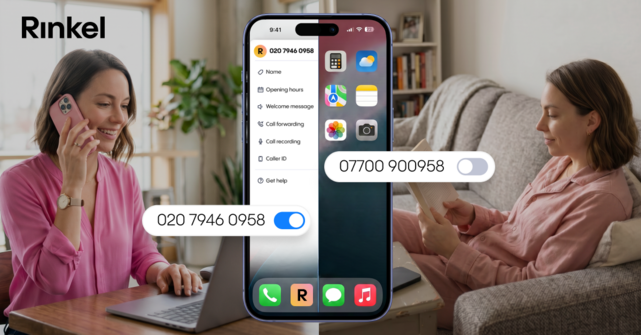
This is the foundation. Your business number rings on whichever device you choose: your mobile or the Webphone in your browser. So you're reachable without having to sit in an office.
Working as a team? Add several users to the same forwarding and set the ringing order yourself. Ring all devices at once, or yours first and then a colleague's. Whoever's free picks up. That way you never miss a call just because one person happens to be busy.
Every other feature below builds on this one.
2. Call menu
"Press 1 for sales, 2 for support." Callers reach the right person straight away, and you're not stuck transferring calls.
3. Business hours
You set what happens outside your working hours. Your phone stops ringing at half nine at night, and your caller hears exactly when you're back.
Working with colleagues on different hours? With a work schedule, everyone sets their own hours, and Rinkel routes calls automatically to whoever's working at the time.
4. Business voicemail
No one picked up? Then your caller leaves a message. You know who to call back and what about. A well-recorded voicemail does more for your image than you'd think, too.
5. Transferring
You hand a live call over to a colleague. The customer doesn't have to call again or tell their story twice.
6. Greeting
The recorded message callers hear first. It's the cheapest way to sound bigger than you are, and you set it up in a few minutes.
One extra: WhatsApp Business. You can connect your business number to WhatsApp Business, so customers can message you on the same number they call. With Rinkel it's included in every plan, so you pay nothing extra for it. How to set it up is in this blog.
Which features can I skip?
Quotes often list things that impress but that a small business rarely needs. They're built for call centres with hundreds of staff, not a team of five.
- Call monitoring and barging in on calls. Meant for supervisors coaching a team. With three colleagues, you just wander over.
- Real-time dashboards and wallboards. Worth it at hundreds of calls a day. At five, no one looks at them.
- A multi-level call menu. Customers give up after the second choice. One level with three options almost always works better.
One exception that does save time straight away, even for a small team: a link with your calendar or CRM. So check whether the provider has integrations with the tools you already use.
Do more features cost more?
Usually, but not in the way you'd expect. You pay per user per month, and the features are spread across plans. A call menu often sits in a pricier plan than call forwarding.
That's why it pays to work out which features you actually need first. Then you choose a plan based on what you'll use. What it costs with Rinkel is on the plans page.
What should I look for when choosing a provider?
First, write down the three features you really need. Then run through these points:
- Can you change everything yourself? Editing a call menu or your business hours should be something you can do yourself, without calling or raising a ticket.
- How quickly are you live? Days or minutes? And do you need an engineer for it?
- Does it work on the devices you use? Your mobile and your browser, ideally interchangeably on the same number.
Beyond that: check whether you can bring your current number and what that costs, how long you're tied into the contract, and what happens when you go from two to six users. And call customer support once before you're a customer. Then you'll know straight away how it goes when you need something later.
How does that work at Rinkel?
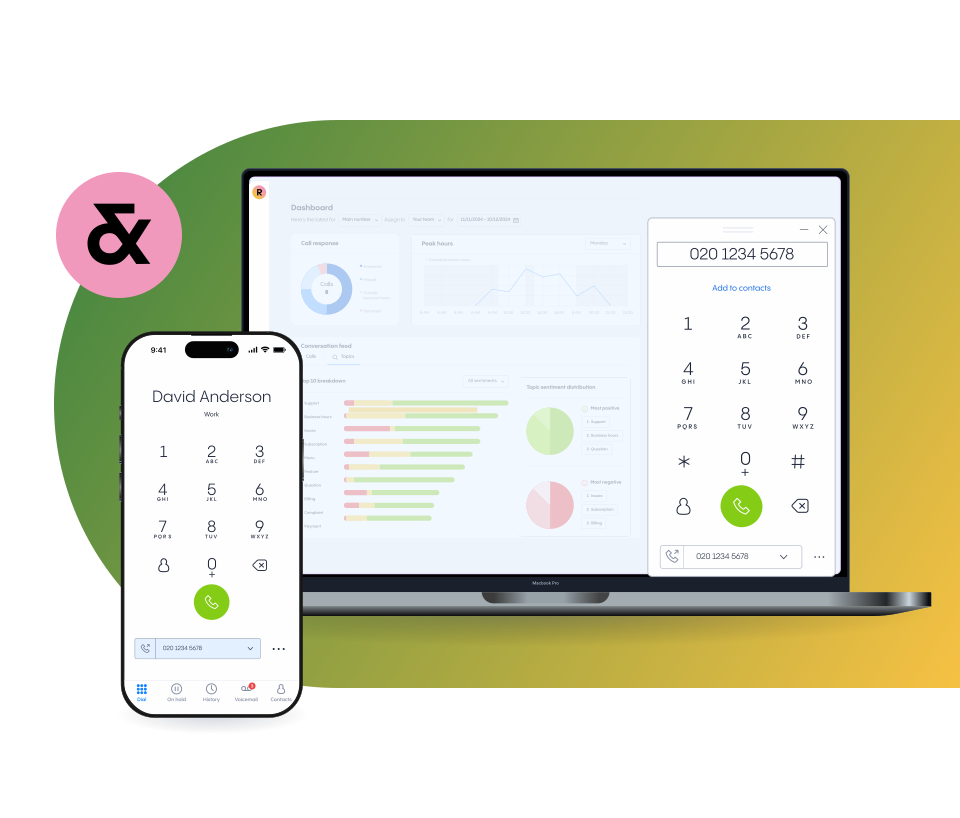
All six features above are in Rinkel, and you set them up yourself through the app or the Webphone in your browser. No IT person needed, no engineer round the house.
What's in which plan and what it costs is on our page about the virtual phone system.
Choose your business number and you're reachable within 3 minutes.