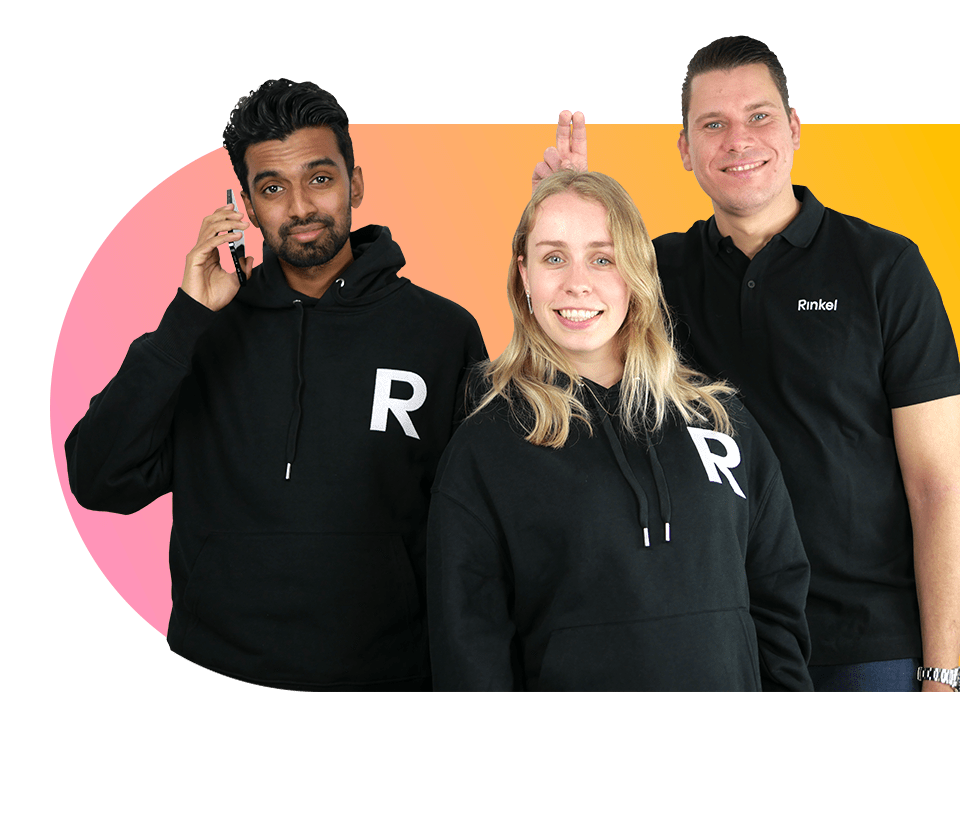
Your business number
Reachable anytime, anywhere within 3 minutes. Use one number on any device and manage everything yourself in the mobile app or your browser.
Your business number
Reachable anytime, anywhere within 3 minutes. Use one number on any device and manage everything yourself in the mobile app or your browser.
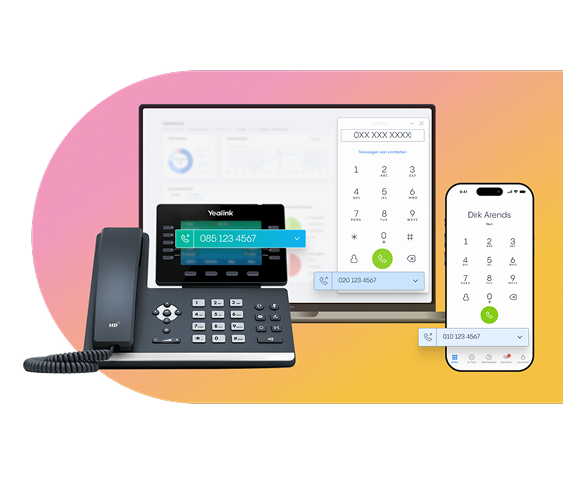
A solution that fits your needs
Rinkel is the flexible telephony solution built especially for freelancers and small businesses. Start today and grow with Rinkel.
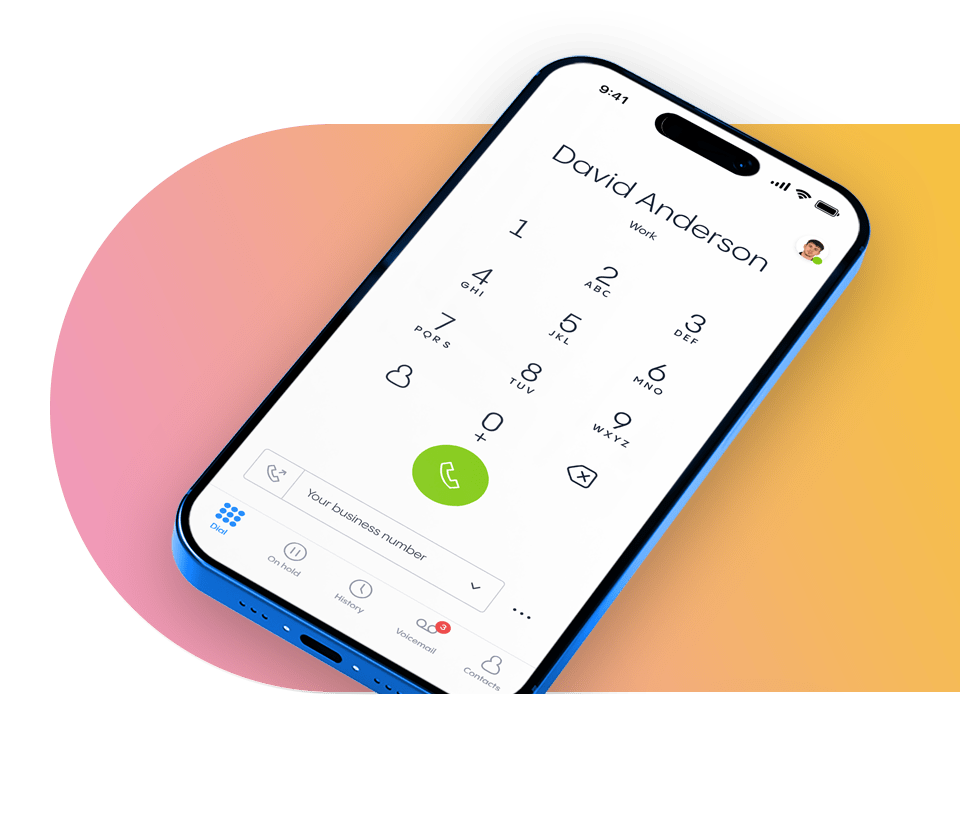
Become a Rinkel partner
Help your customers get a professional business telephony solution and benefit alongside them.