- calls: € 0.06 p/min.
- a business number
- call forwarding
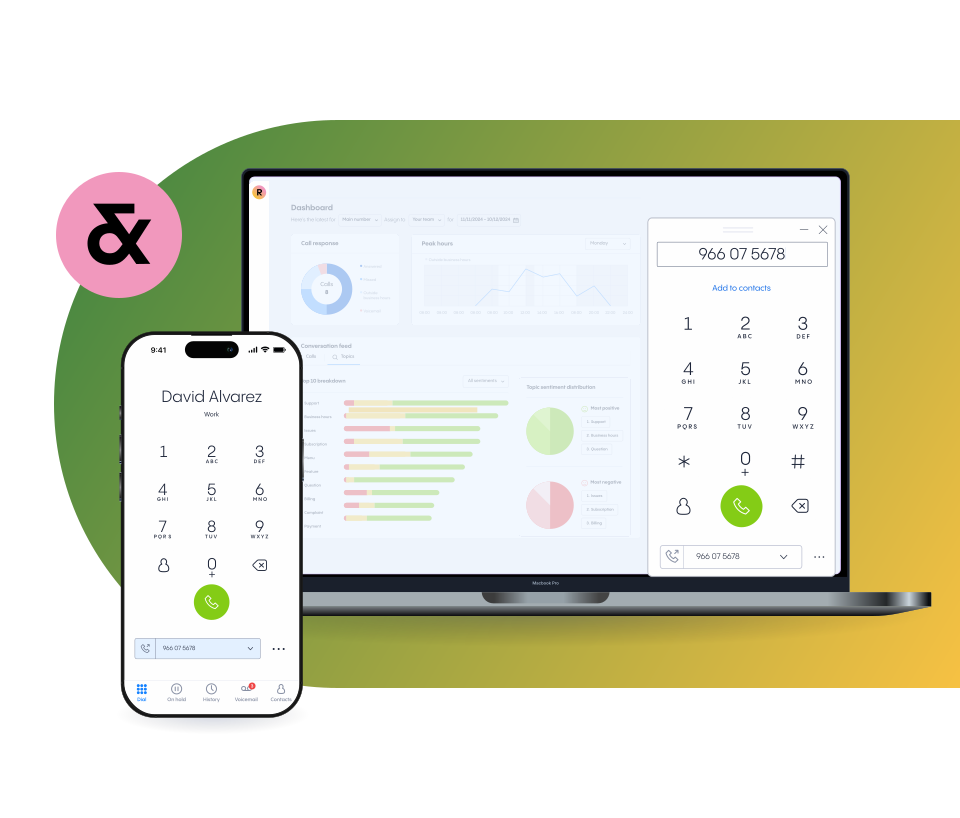
- webphone
- WhatsApp Business
- business voicemail
- status
- international calls
Want to use WhatsApp for business? Link your Rinkel landline number to WhatsApp Business for free. Professional, reliable, and separate from your private WhatsApp. Perfect for entrepreneurs who want to help customers personally and efficiently.
WhatsApp Business is the business version of WhatsApp, specially developed for companies that want to maintain personal contact with customers while keeping work and private conversations separate.
In the Netherlands, more than 12.5 million people already use WhatsApp, making it one of the most direct and popular ways to communicate with customers. With WhatsApp Business, you reach your target audience where they’re already active: quickly, reliably, and accessibly.
WhatsApp Business is also available on desktop via WhatsApp Business Web.
Setting up WhatsApp Business with your Rinkel number is very simple. With your business number, you are ready within minutes to communicate professionally with customers.
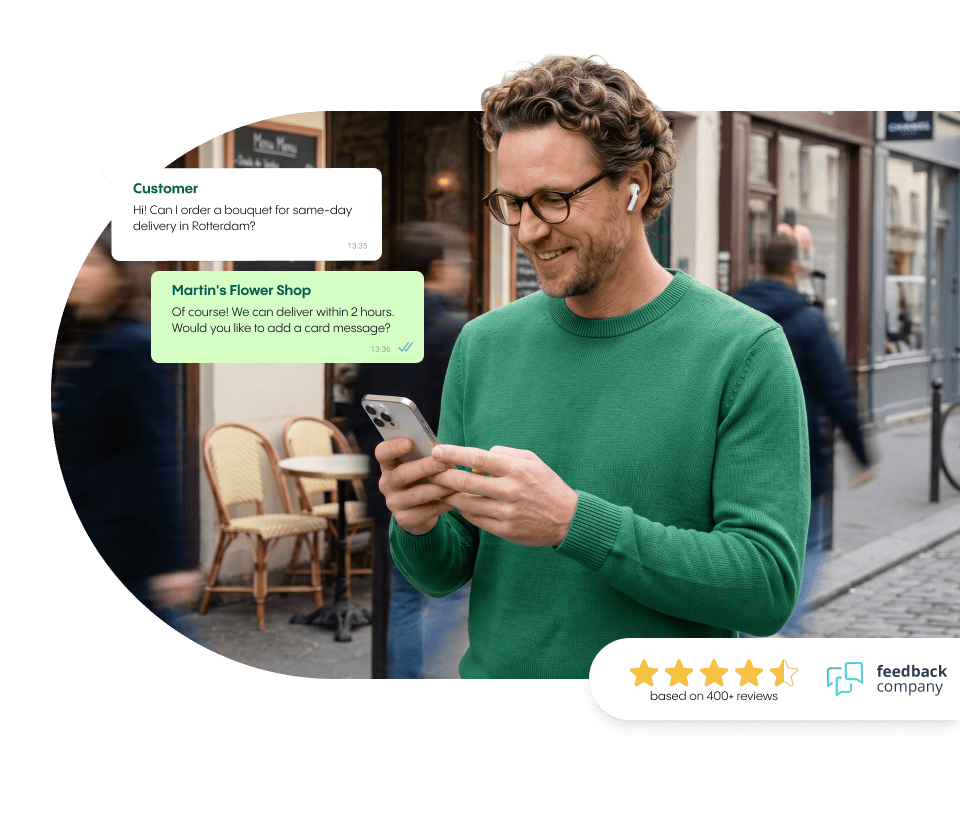
WhatsApp Business makes customer communication faster, more personal, and easier than ever. You can reply to messages instantly or send automated responses. It allows customers to contact your business through a channel they already use daily.
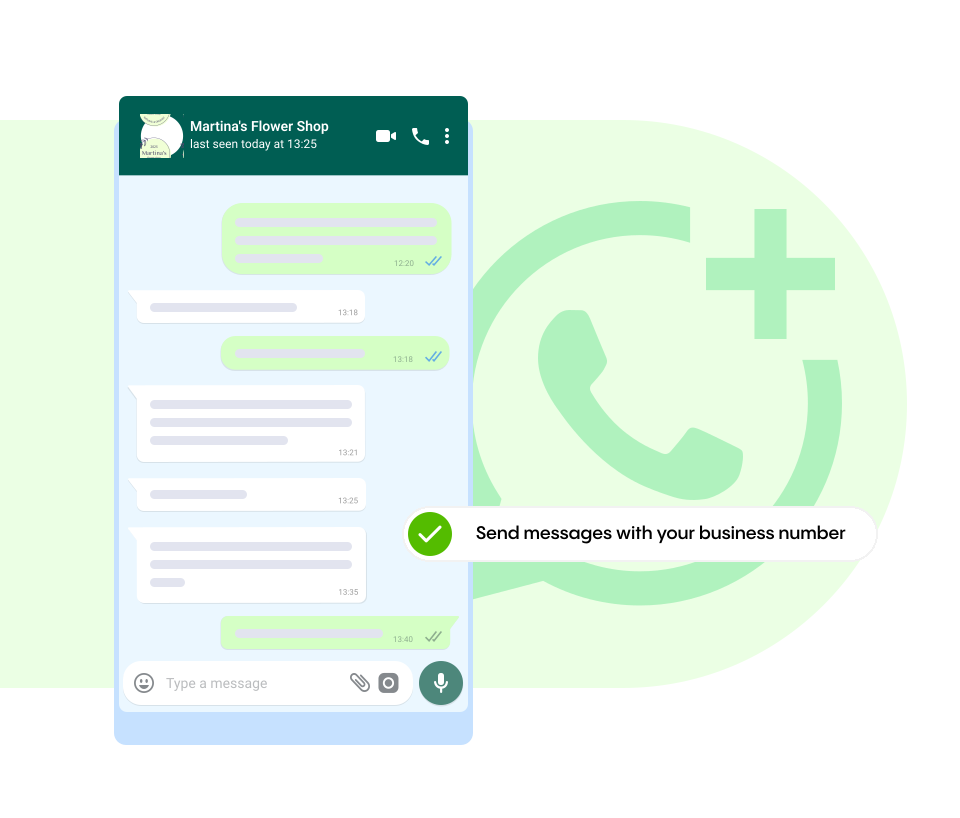
With Rinkel, you use WhatsApp Business via your landline number. This way, you stay organised, keep work and personal separate, and remain professionally reachable at all times.
With Rinkel, you use WhatsApp Business on your Rinkel landline number. This lets you communicate professionally with customers, without sharing your personal number.
Business WhatsApp via Rinkel gives you all the features you need — from automated messages and labels to quick replies and customer info. Stay organised and professional in your communication, wherever you work.
Want multiple colleagues to view or reply to messages? No problem. WhatsApp Business makes it easy to connect the app to multiple devices.
Save up to 13% with an annual subscription
get your first virtual number for free when you subscribe
Choose the plan that fits you. If it's not a match within 30 days, we'll give you a full refund. Talk about risk-free.
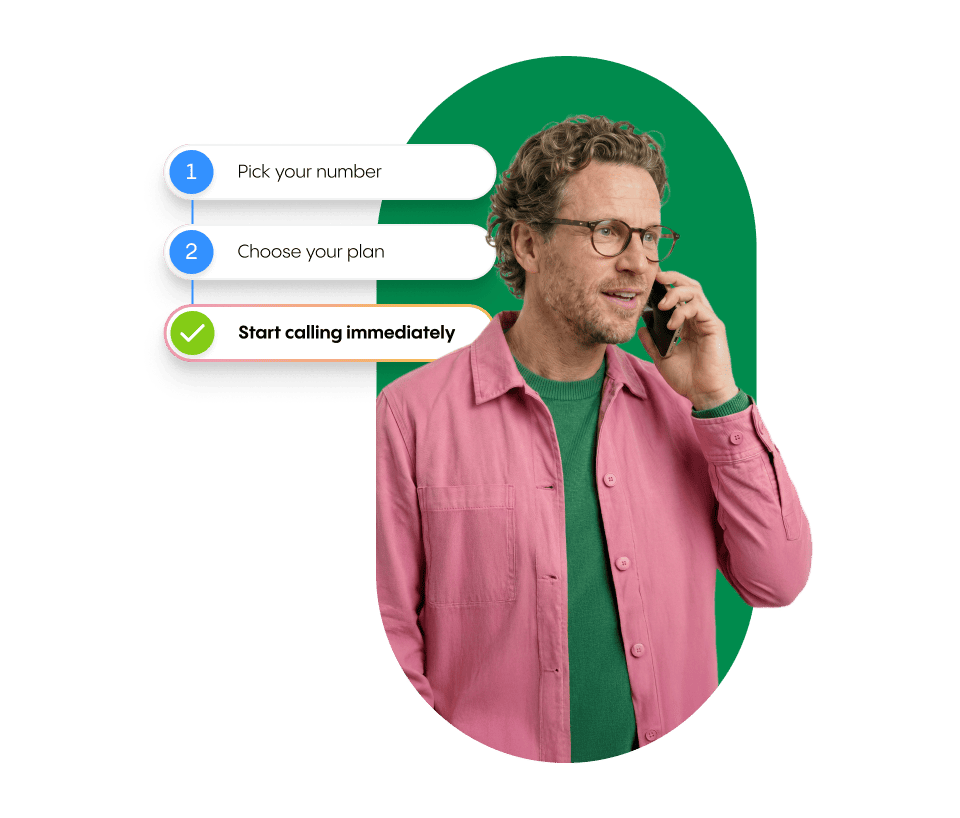
At Rinkel, you're reachable within 2 minutes. Simple, fast and hassle-free.
Try it yourself! If you're not happy within 30 days, you’ll get your money back.
Find out why other entrepreneurs like you chose a virtual number from Rinkel
Super easy! First, get a landline number from us – or bring your own if you already have one. Then download the WhatsApp Business app and link your account to the landline number.
Important: choose the “call me” option to receive your verification code, as Rinkel landlines can’t receive SMS.
Need help? Just reach out to our support team, they’ll be happy to help! ?
WhatsApp Business is the professional version of WhatsApp, managed through a separate app. It works almost the same as the regular version, but with extra features made for businesses.
Yes! You can access your business account on your computer or laptop via WhatsApp Web. You can also use the desktop app!
With a WhatsApp Business account, you get access to the following extras:
Labels: organise your chats with custom tags.
Catalogue: show your products right inside the app.
Business profile: add info like business hours, address, email and website.
Messaging tools: set up automatic replies — for example, to let people know you’ll respond in 30 minutes or that your business is closed after 18:00.
WhatsApp Business works with any Spanish landline number. We offer numbers from different provinces. You can check the list here.
A Rinkel number can't receive SMS, so text verification won't work. Use the voice call option instead: WhatsApp will ring you and read out the code.
Here's how:
Have a pen and paper handy so you can jot it down straight away.
Turn off all greetings before you tap 'Call me'. Check your greeting message, call menu and call recording. If any of these are active, the bot will read out the code before you can pick up — and you'll miss it.
Also check that your call forwarding is set up correctly. Is your mobile number first in the forwarding list? Your business hours and user schedule also need to be set to open at the time you're verifying. Otherwise your Rinkel number won't be reachable when WhatsApp calls.
This message comes from WhatsApp and means their system has temporarily blocked verification for your number. It usually happens after several failed attempts in a row.
What you can do:
The problem is almost always on WhatsApp's side. Rinkel can't fix it directly, but we can help you figure out the right next step.
Yes. WhatsApp Business stays connected to your number after porting — you don't need to reconfigure anything. The link is between WhatsApp and your number, not between WhatsApp and your provider.
One exception: if you choose a completely new number instead of porting your existing one, you'll need to verify WhatsApp Business again with that new number. The process is the same as the first time.
Yes. You can connect WhatsApp Business to up to five devices — phones or computers — so colleagues can read and reply to messages too. The first device you install WAB on stays the admin device.
To link a new device:
The admin phone doesn't need to be on all the time, but if you don't use it for 14 days, all linked devices will be disconnected automatically.
No. Your Rinkel business number (085 or regional) works fine — and for business use it's often a better choice, since it keeps work and personal separate and looks more professional.
A lot of business owners assume WhatsApp Business only works with a mobile number. It doesn't. WhatsApp accepts virtual business numbers too; you just verify via the voice call option instead of SMS.
WhatsApp usually blocks a Business account when you break their rules — often without realising it. The main one: don't send unsolicited messages to people who haven't messaged you first. That includes existing customers who left their number somewhere without giving you explicit opt-in consent.
What you can do:
What to avoid — this is how accounts get blocked:
WhatsApp usually gives you a warning in the app before blocking. Don't ignore it — it's your last chance to change course.
Already blocked? Request a review through the WhatsApp app itself (Help > Contact us) or via faq.whatsapp.com. Rinkel can't lift an account ban — that's WhatsApp's call. But your number stays active with Rinkel, so once it's resolved, everything works just as before.